
Smart Garage Door Opener: Features, Costs and How to Choose
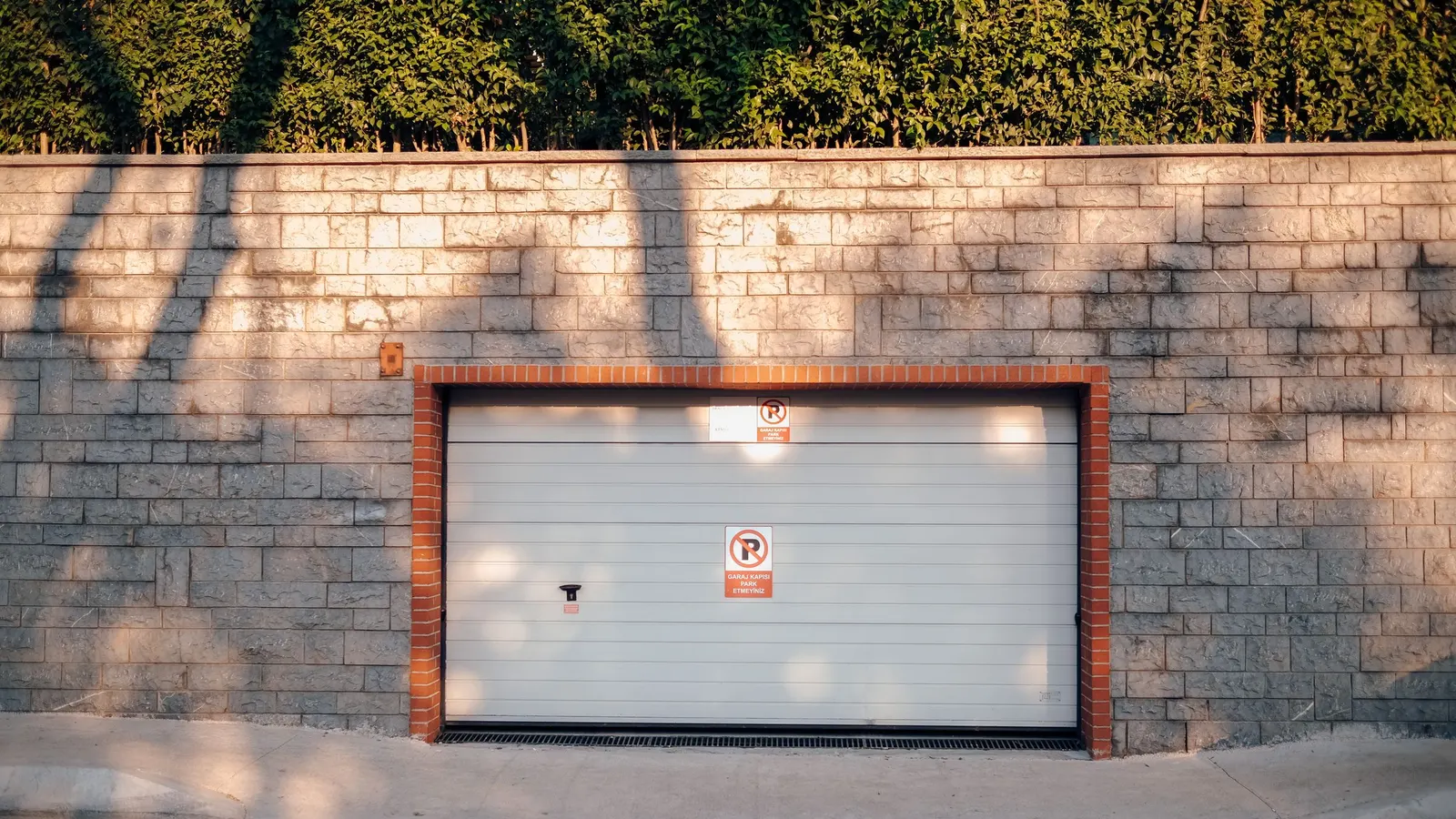
A smart garage door opener lets you open, close and check your garage door from a phone, wherever you are. It sends alerts when the door is left open, logs who used it, and can let in a family member or delivery without a spare remote. For many homes, a smart garage door opener is the simplest smart-home upgrade with an everyday payoff.
Last reviewed and updated: October 2, 2026. Written by Jeremy Jarvis.
Key takeaways
- A smart garage door opener connects to Wi-Fi so you can open, close and monitor the door from a phone app.
- If your current opener works well, a retrofit smart controller can add app control for far less than a new opener.
- Strong Wi-Fi at the garage ceiling, secure account settings and working safety sensors matter more than any single feature.
- Every residential opener must meet the federal entrapment protection standard, and California requires battery backup on openers sold or installed there.
This guide explains how smart openers work, the features worth paying for, how a retrofit controller compares with a new unit, and the Wi-Fi, security and safety checks to make first. To narrow the opener type itself, try the free Garage Door Opener Selector.
What a smart garage door opener is
At heart, it is a normal garage door opener with a Wi-Fi radio and an app. The motor, rail, trolley and safety sensors work as they always have. However, the Wi-Fi module adds a second way to send commands and a way to report the door’s position back to you.
That position report is the key feature. Because the opener knows whether the door is up or down, the app can warn you when it is open late at night. In addition, you can close it from the office instead of driving home to check.
How smart garage door openers work
When you tap the app, the command travels through the internet to the maker’s cloud service and then to the opener over your home Wi-Fi. The opener runs the motor exactly as if you had pressed the wall button. Then a door sensor confirms the new position and updates the app.

Free download: The Garage Makeover Planner
Our 12-page printable planner: garage profile, measurements and layout grid, declutter tracker, zone plan, floor chooser, door safety checks, budget worksheet and order of work.
Some systems also connect to voice assistants, smart home hubs or car systems. Even so, the core path stays the same: app, cloud, Wi-Fi, opener. If any link in that chain is weak, the smart features slow down or fail, while the wall button and remotes keep working locally.
Smart garage door opener features worth paying for
Not every feature earns its cost. These are the ones most owners use regularly:
- Open-door alerts: a notification when the door opens, closes or stays open past a set time.
- Remote open and close: control from anywhere with a data connection.
- Activity history: a log of when the door moved and which user or device moved it.
- Guest access: temporary or scheduled access without sharing a remote.
- Scheduled closing: the door closes at a set time if it was left open.
- Battery backup: keeps the door working through a power outage.
Cameras, built-in lights and package delivery programs are useful for some homes but optional for most. Therefore, pay for them only if they solve a real problem you have now.
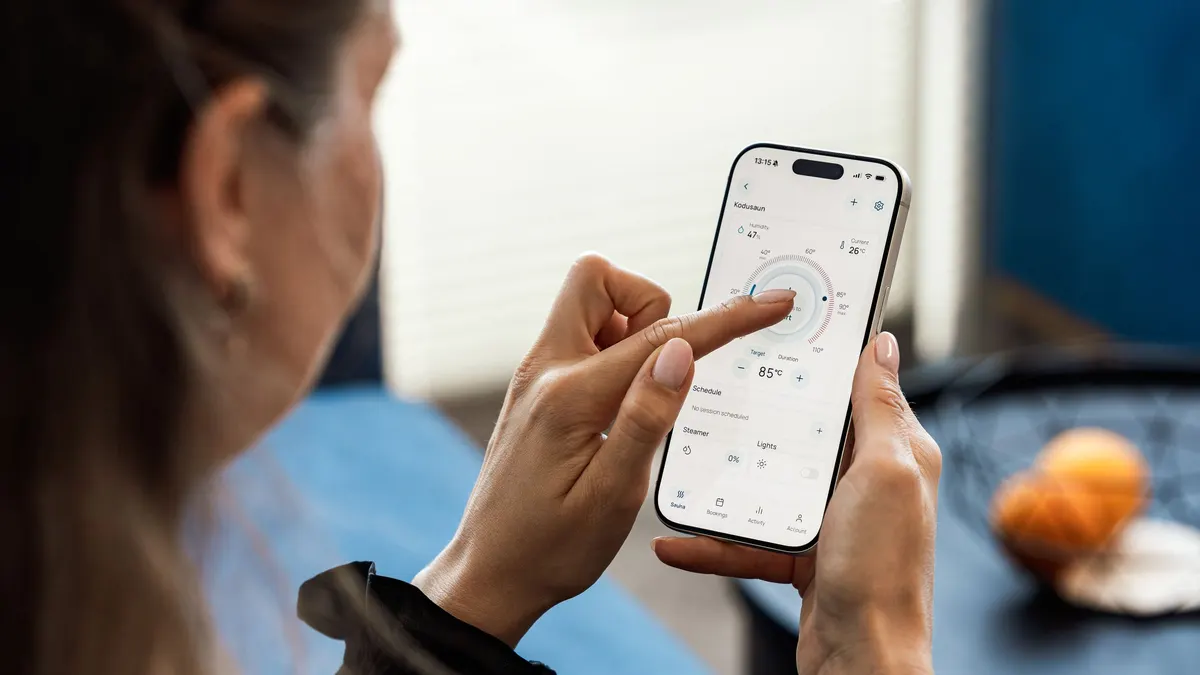
New smart opener vs retrofit smart controller
You have two routes to a smart garage. The first is a new smart garage door opener with Wi-Fi built in. The second is a retrofit smart controller that adds app control to the opener you already own. Both deliver the same core features, but they suit different situations.
| Factor | New smart opener | Retrofit smart controller |
|---|---|---|
| Best when | The old opener is failing, noisy or lacks safety sensors | The current opener works well and has safety sensors |
| Upfront cost | Opener unit plus labor | Usually far less than a new opener |
| Installation | Often a professional job | Often a DIY job with a few wires and a door sensor |
| Extra benefits | New motor, quieter drive, possible battery backup | Keeps your existing remotes and keypad |
| Compatibility risk | Low, since it is built in | Check the maker’s list for your opener model |
In short, retrofit when the opener is healthy and replace when it is not. A retrofit on a worn or unsafe opener only adds remote control to a problem.
What a smart garage door opener costs
HomeGuide puts a garage door opener at $150 to $500 for the unit itself, while labor fees range from $150 to $400. The total installed cost is $300 to $900. Smart models with cameras or battery backup tend to sit toward the upper end of those ranges.
Accessories add to the total as well. HomeGuide lists keypads at $20 to $70 and remotes at $20 to $40 each. Meanwhile, some brands charge a subscription for cloud video storage or extra integrations. Read the plan details before you buy, because a monthly fee changes the long-term cost.
For a line-by-line breakdown, including removal of the old unit, see our garage door opener installation cost guide.
Choosing the drive under the smart features
Smart features sit on top of a drive system. Chain drives usually cost less, while belt drives run more quietly. HomeGuide lists chain drive units at $150 to $250 and belt drive units at $200 to $450. If a bedroom sits above the garage, the quieter drive may matter more than any app feature.
Wall-mount openers are another option when ceiling space is limited. Our belt drive vs chain drive comparison explains the trade-offs in detail.
Wi-Fi: the make-or-break check
A smart garage door opener lives on the garage ceiling, often far from the router and behind insulated walls and a metal door. As a result, weak Wi-Fi is the most common reason smart openers feel unreliable. Commands lag, alerts arrive late, or the opener drops offline.
Before you buy, stand where the opener will hang and check signal strength on your phone. If it is weak, add a mesh node or access point near the garage. Also check which Wi-Fi band the opener supports, since many smart devices connect only to 2.4 GHz networks.
Finally, keep the opener’s firmware updated through the app. Updates fix bugs and security issues, so leave automatic updates on if the app offers them.
Security and account settings
Your garage is often an unlocked path into the house, so treat the app account like a door key. Use a strong, unique password and turn on two-factor authentication if the app supports it. Then review who has access every few months and remove old guest accounts.
Alerts are your best security feature. Turn on notifications for every open and close, at least at first, so you learn the normal pattern. Similarly, set an automatic close or reminder for evenings. A door left open overnight is a far more common risk than someone hacking an app.
Also protect the manual side. Keep remotes out of sight in parked cars, and lock or disable the emergency release from outside if your door has one accessible through a window.

Safety rules for every smart garage door opener
Smart control adds a new risk: you can close the door when you cannot see it. That is why safety systems matter even more. The federal standard in 16 CFR Part 1211 applies to all residential garage door operators manufactured on or after January 1, 1993 for sale in the United States, and it requires entrapment protection that reverses a closing door when it meets an obstruction.
Most systems pair that reversal with photo-eye sensors near the floor. Consequently, test both every month. Place a solid object in the door’s path to confirm the door reverses, and wave an object through the sensor beam while the door closes. If either test fails, stop using remote close until it is repaired.
Many smart systems also flash a light and sound a warning before closing remotely. Keep those warnings on. Our Garage Safety and Maintenance Checklist includes the monthly reversal and sensor tests.
Battery backup and power outages
During a power outage, a standard opener stops working, and you must use the manual release. A battery backup keeps the door moving for a limited number of cycles. HomeGuide notes that many openers offer a battery backup option, and that it adds cost.
In California, battery backup is not optional. Under SB 969, beginning July 1, 2019, openers manufactured for sale, sold, offered for sale or installed in a residence there must have a battery backup function, with a civil penalty of $1,000 for violations. Elsewhere, it is a smart addition if you rely on the garage as your main entrance.
Installing a retrofit Wi-Fi garage door opener controller
A retrofit kit turns a standard opener into a wifi garage door opener without replacing the motor. Most kits have two parts: a small hub that connects to the opener and a door position sensor that mounts on the top panel of the door. The hub either wires to the same terminals as the wall button or pairs with the opener wirelessly, depending on the brand.
Before you start, check the kit’s compatibility list against the brand and model on your opener’s label. Next, confirm the opener has working photo-eye sensors, since many kits will not allow remote closing without them. Then follow the app’s setup steps, which usually take less than an hour. Finally, test remote open, remote close, the warning light and the alert notifications before you rely on it.
A wifi garage door opener setup like this keeps your existing remotes and keypad working as before. As a result, it is often the most practical upgrade for an opener that is only a few years old.
Who benefits most from a smart garage door opener
Some households get far more value than others. A smart garage door opener pays off most for:
- Families who often wonder whether the door was left open.
- People who use the garage as the main entry to the house.
- Homes with teenagers, caregivers or dog walkers who need access.
- Owners who travel and want alerts and control while away.
- Anyone receiving deliveries that should stay out of sight.
By contrast, a detached garage used only for storage may not need app control at all. In that case, a reliable standard opener and a good lock may be enough.
Common smart opener mistakes
The first mistake is skipping the Wi-Fi check, which leads to an opener that drops offline. The second is adding a retrofit controller to an opener without working safety sensors. Some controllers refuse to work in that case, and they are right to.
Another mistake is sharing one login with the whole household. Instead, give each person their own access so the history shows who used the door. Lastly, ignoring firmware updates and leaving old guest accounts active weakens security over time.
Smart garage door opener buying checklist
- Decide whether to replace the opener or retrofit a smart controller.
- Check that the door is balanced and the springs are in good condition.
- Test Wi-Fi strength at the opener location before you buy.
- Confirm compatibility with your door, remotes and keypad.
- Choose a drive type: belt for quiet, chain for value.
- Add a battery backup if you use the garage as your main entry.
- Read any subscription terms for video or integrations.
- Turn on alerts, automatic close reminders and two-factor login.
Where to compare smart openers and controllers
When you know which route fits your garage, compare current smart garage door openers and retrofit smart garage controllers. Check compatibility lists, battery backup details and any subscription fees on each listing. For more opener and door guides, visit the Garage Doors and Openers hub.
Frequently asked questions about smart garage door openers
How does a smart garage door opener work?
A smart garage door opener has a built-in Wi-Fi module that links it to an app. The app sends open and close commands through the internet, and a door position sensor reports whether the door is open or closed so you can check it from anywhere.
Can I make my existing garage door opener smart?
Often, yes. A retrofit smart controller connects to many existing openers and adds app control and open-door alerts. Check the controller’s compatibility list for your opener brand and model, and confirm the opener has working safety sensors.
How much does a smart garage door opener cost?
HomeGuide lists garage door openers at $150 to $500 for the unit, with labor at $150 to $400 and total installed cost at $300 to $900. Smart features, cameras and battery backup push a model toward the upper end.
Is a smart garage door opener safe?
A smart garage door opener must meet the same federal entrapment protection rules as any residential opener, including automatic reversal. Use strong account security, enable alerts, and test the reversal and photo-eye sensors every month.
Do smart garage door openers work without Wi-Fi?
The wall button, remotes and keypad keep working without Wi-Fi, but app control, alerts and remote access stop until the connection returns. A weak signal at the garage ceiling is the most common cause of smart opener problems.
Sources and how we researched this guide
This guide is research-based. We did not install or test smart openers for this article; we compared feature types and used HomeGuide’s published opener cost data, the federal safety standard for residential garage door operators (16 CFR Part 1211) and California’s battery backup law. Follow the opener maker’s instructions and use a trained technician for door spring or balance problems. Found something out of date? Tell us and we will check it against the source.
- HomeGuide: Garage door opener installation cost
- eCFR: 16 CFR Part 1211, Safety Standard for Automatic Residential Garage Door Operators
- California SB 969 (2018): Residential garage door openers, battery backup
Keep planning
- Standard Garage Door Sizes: Single, Double and How to Measure
- Insulated Garage Door: R-Values, Costs and When It Pays Off
- Garage Door Weather Stripping: Seal Types and How to Replace
- Garage Door Opener Installation Cost: Prices by Type and Job
Go deeper: Garage Doors & Openers hub · Garage Door Opener Selector · Garage Safety and Maintenance Checklist

Written by Jeremy Jarvis
Jeremy Jarvis is the founder and editor of Garage Playbook, where he builds research-based guides and free planning tools for garage doors, floors, storage, heating and cooling, and workshops. He sets the site's editorial standards, checks every guide against official sources such as federal safety standards, EPA and OSHA guidance and manufacturer documentation, and is responsible for corrections. Jeremy also founded Eco Nomad Travel, Mind Clarity Hub, SilkHarborTravel, WanderOza Travel, Freedom Road Living and PowerProof Home, and he is the author of books on clarity, focus and practical AI, including The Power of Clarity and Digital Clarity.